How Do I get a card?
At the library:
People of all ages can apply for a card. To sign up, bring your driver’s license or other photo ID and proof of current mailing address, such as a recent piece of mail.
We ask that minors without photo ID and all children under the age of 13 be accompanied by a parent/guardian to receive a card.
Card Applicaitons: English & Spanish
Who Can Get a Card?
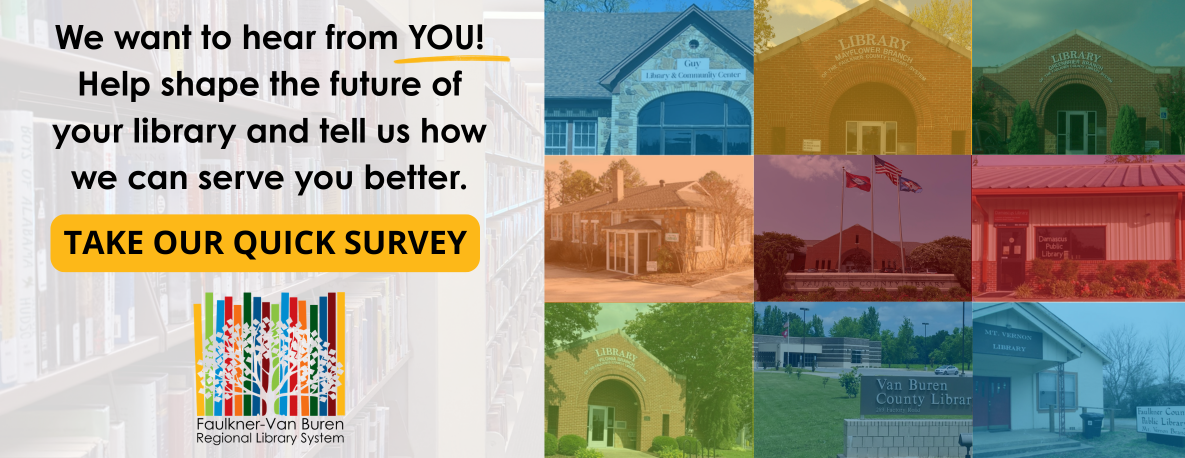
Residents of Faulkner and Van Buren counties may get a Regional Library Card. This card can be used at any of the libraries in our region: Clinton, Conway, Damascus, Greenbrier, Guy, Mayflower, Mt. Vernon, Twin Groves, and Vilonia.
If you live outside our service area, you may purchase a Non-Resident card for a fee of $20 for one year of service.